
Adding contacts to marketing email lists using manual CSV exports is a compliance disaster waiting to happen.
Salespeople often gather new leads at events, but export files don’t reflect consent history, language preferences, or previous unsubscribes. When marketing imports these unchecked files into Mailchimp, HubSpot, or ActiveCampaign, you risk emailing prospects who opted out months ago — damaging trust and breaking GDPR rules.
With OneClick Interface, your sales reps validate consent and manage marketing list permissions directly inside Pipedrive with zero guessing.
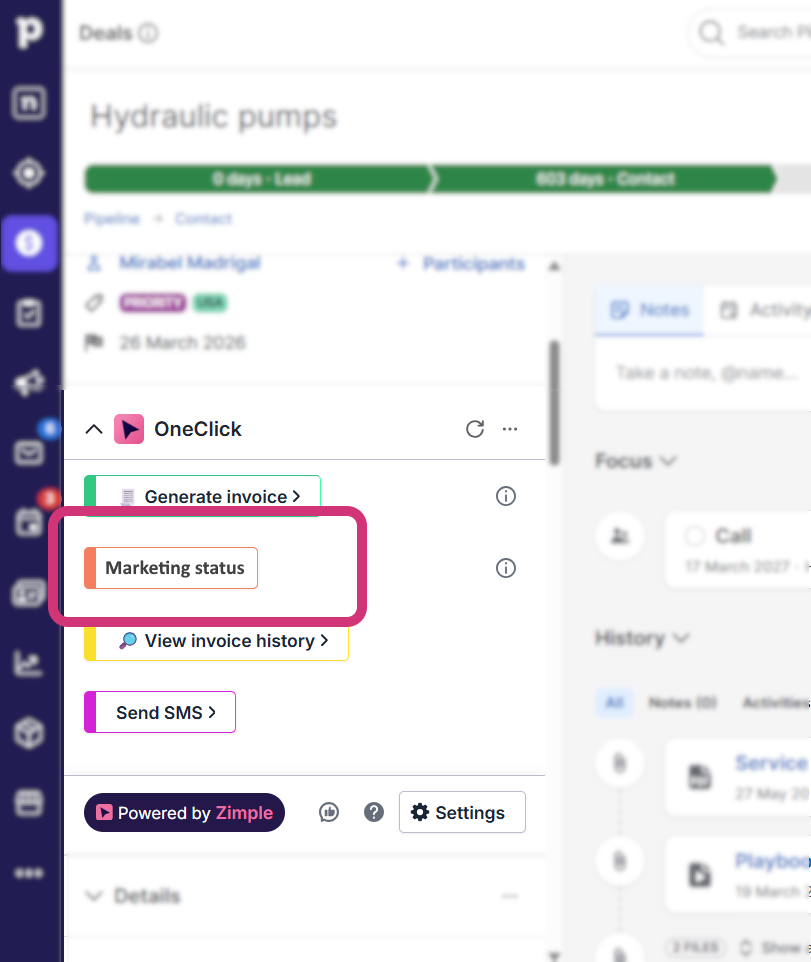
Automated compliance check with one click
Clicking a button inside a Pipedrive deal or contact opens a clear validation window:
- Instant consent status: Contacts are automatically categorized as Ready to add, Update, or Excluded based on real-time consent data and marketing platform records.
- Clear opt-out warnings: Unsubscribed or non-consented contacts are flagged instantly (e.g., “Unsubscribed – do not add again”) and locked so nobody can add them by mistake.
- Direct list syncing: Sales reps select approved contacts, target audiences, and campaign tags, then sync them straight to your marketing platform in one click.
- Full audit trail: A complete sync history logs who added which contacts, when, and why specific contacts were skipped.
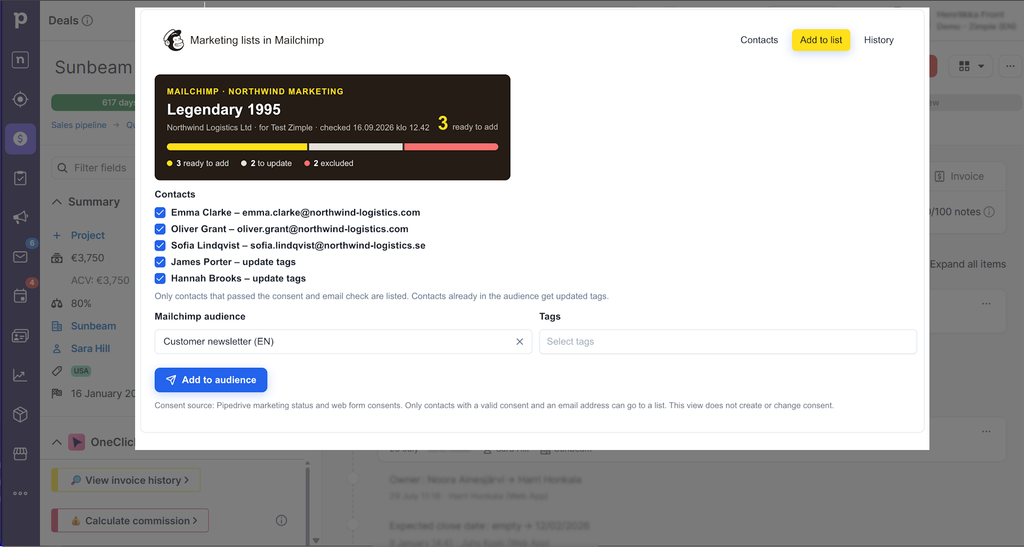
Protect your brand reputation and data compliance
Instead of relying on guesswork or messy spreadsheets, your team follows a clear, automated workflow. Marketing gets clean data, sales saves time, and your company maintains a rock-solid consent audit trail.
Safe automation, zero frontend code
Your integration tool (Make, Zapier, n8n) checks consent rules, updates audiences in Mailchimp or Klaviyo, and logs the outcome as a Pipedrive note. Your marketing tool remains the source of truth, while sales gets a controlled, error-free way in.