
Your sales team calls customers every day without knowing one critical fact: did they pay their last invoice?
That data lives in your finance system, hidden from your salespeople. The result? Sales promises new deals to accounts with overdue bills.
With OneClick, you bring live finance data directly into Pipedrive where the sales work actually happens. No extra finance licenses, no manual email updates, and no tab-switching.
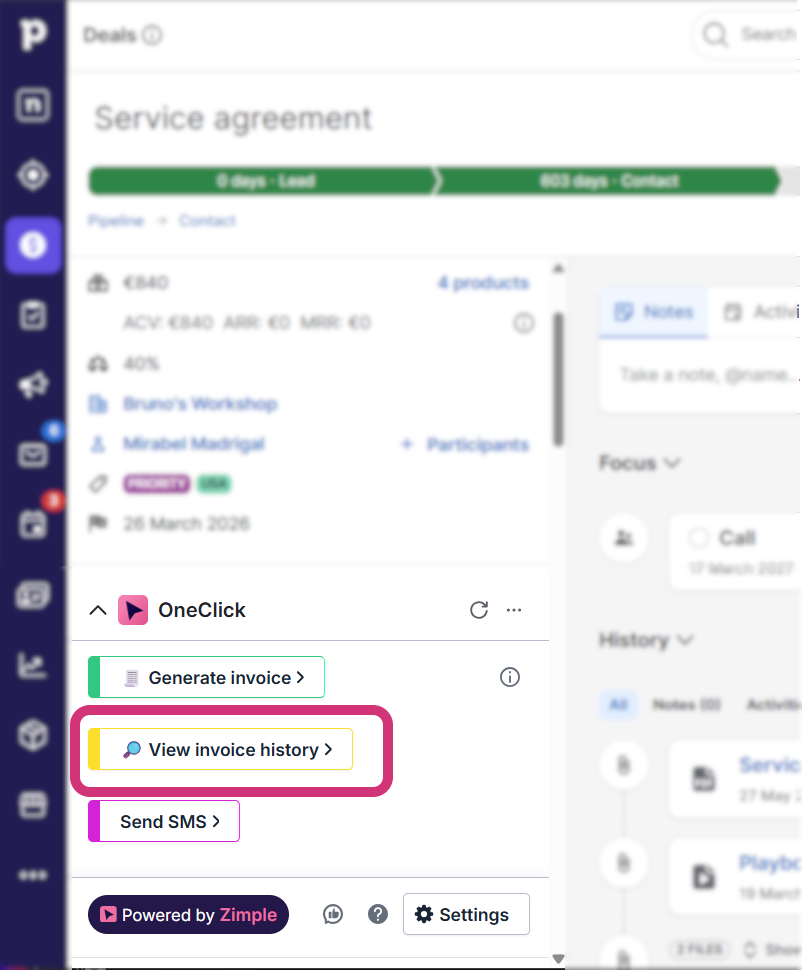
What your sales team can see with a click of a button
By clicking a single button in a deal or organization view, a clean custom window opens inside Pipedrive:
Invoice breakdown: Reps can click into any invoice to review line items, payment terms, or download PDFs without leaving CRM.
Key metrics: Clear figures show outstanding balances, overdue amounts, 12-month invoicing totals, and average payment speeds.
Overdue details: A dedicated view lists overdue invoices, payment reminders sent by finance, and exact days overdue.
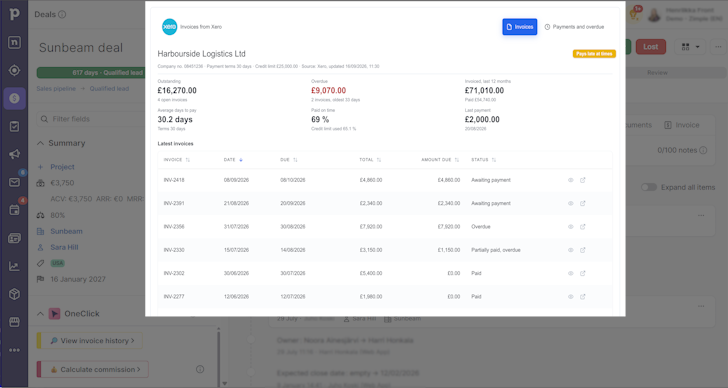
Simple setup, complete control
Setting up an interface requires zero code. Your existing automation platform (like Make or Zapier) securely fetches the data from your accounting software (such as Xero, NetSuite, or similar) and displays it only when requested.
Finance keeps full control of the accounting tools, while sales gets the context they need to sell smarter.